Kineo Connect event

I recently attended this event that allowed Kineo customers to get updates on:

  • Totara LMS and the new ‘version 9’
  • what Kineo are doing around modern learning design best practices
  • their consultancy services.

These were followed up with a really good session from Boost Evaluation, considering the importance of evaluating learning projects and initiatives.

My summary of items of interest:

Totara improvements

  • As suggested, these are mostly general and about tidying up the interface, including internal consistency of the product.
  • The two new blocks (last course accessed and my current learning) are both sensible – the immediate fear for me though is that ‘last course accessed’ may often be one you’ve finished and not of interest and ‘my current learning’ could include too many links if you use Totara with a lot of ‘courses’ (for example if they are different resources banks, modules, etc).
  • Question marks, for me, over the new multiple job functionality, with split manager support for when it comes to appraisals rather than booking management (it sounded like it has been mostly built around the latter).
  • Seminar Management replacing the Face-to-Face tool.  Thankfully isn’t just semantics and the new multiple events within a session logic makes sense.  Devil will, of course, be in the detail and it says something that still tweaking session/room/resource booking is a priority at this stage of the product’s life-cycle.
  • Learning plans will now work with dynamic audiences, making them a far more realistic piece of the puzzle in terms of solving the distribution challenges.
  • Going forward there will be a major annual release on the same date every year but also ‘evergreen’ continuously evolving core product updates.

Kineo content and consultancy

  • Started with a bit on general trends in the market and workplace learning in general (for example resources not courses).
  • There were a few nice things shown for what they were doing with TUI and Dominos – including the use of testimonials (staff video) and quality web style interactions/visuals.
  • I did quite like the WISE approach that was set out: web style, interactive, self-directed, erudite.
  • Showed new filter menu in Adapt content to create personalisation within a piece of content, this looked quite nice but I think I’d typically do that outside of an item via the LMS – really comes back to how you are distributing.
  • Have developed own interactive video technology – goes beyond branching with hot-spots, scoring, tracking and drama.  Showed some nice examples from Rolls Royce and Compass.
  • The consultancy piece pointed out that video is, in part, a return of old tech now that Internet delivery has caught up.
  • Argued a few different points, including: The 10%/f-2-f still has a role and remains popular in surveys but needs to be thought about as facilitating the business, not owning knowledge.  Consultancy services working with clients to setup appropriate structures and solutions.
  • Difficult to argue with a lot of the points: such as the need to design for experiences and make use of appropriate curation.

Boost Evaluation Session

  • The genesis of the service, helping people with learning industry award submissions where the submitter hadn’t done enough on evaluation is interesting in itself – showing the tendency in the profession to jump to solutions or to evaluate need without thinking about quantifying and checking progress on the ‘to be’ situation.
  • I like Boost’s approach in arguing it is not about maths – more about thinking who you are doing the valuation for and developing a hypothesis.  This makes sense to me – not least as I used to help people develop their hypothesis based consulting skills in a past role!
  • The key thing really is to have a plan to evaluate and not leave it as an after thought – of course this is the classic criticism of ADDIE and the need for evaluation at the heart of the ADDI, ideally with more agile development, than at the end.
  • We ran through a speedy version of the process (normally they recommend a workshop including a wall with possible measures on post it notes).
  • Overall, it was useful in my thinking around if I can continue to argue against ‘numbers for the sake of numbers’ and really try to build quantifiable measures be it for engagement, performance improvement or another area.

Initial thoughts on Continuum

A couple of months back I was given the chance by Vodafone to upgrade early. The choice was then clear, stay with Windows (‘upgrading’ from a Nokia to latest Microsoft phone), go back to Android (same as my work phone) or switch to Apple (work phone up-to about a year ago).

I fundamentally prefer the Windows phone/mobile/Windows for phone interface so opted to stay put.

One tempting advantage of moving to the new device (beyond the fresh battery as my Nokia was struggling to last a day) was to try Continuum.

I got very excited about Continuum on release. Here are my pros and cons from a month or so of (attempted) use with the display dock:

Pros
·        Very simple to use and setup using the ‘gadgets’ feature which I’d previously not really seen the point of in Windows 10.
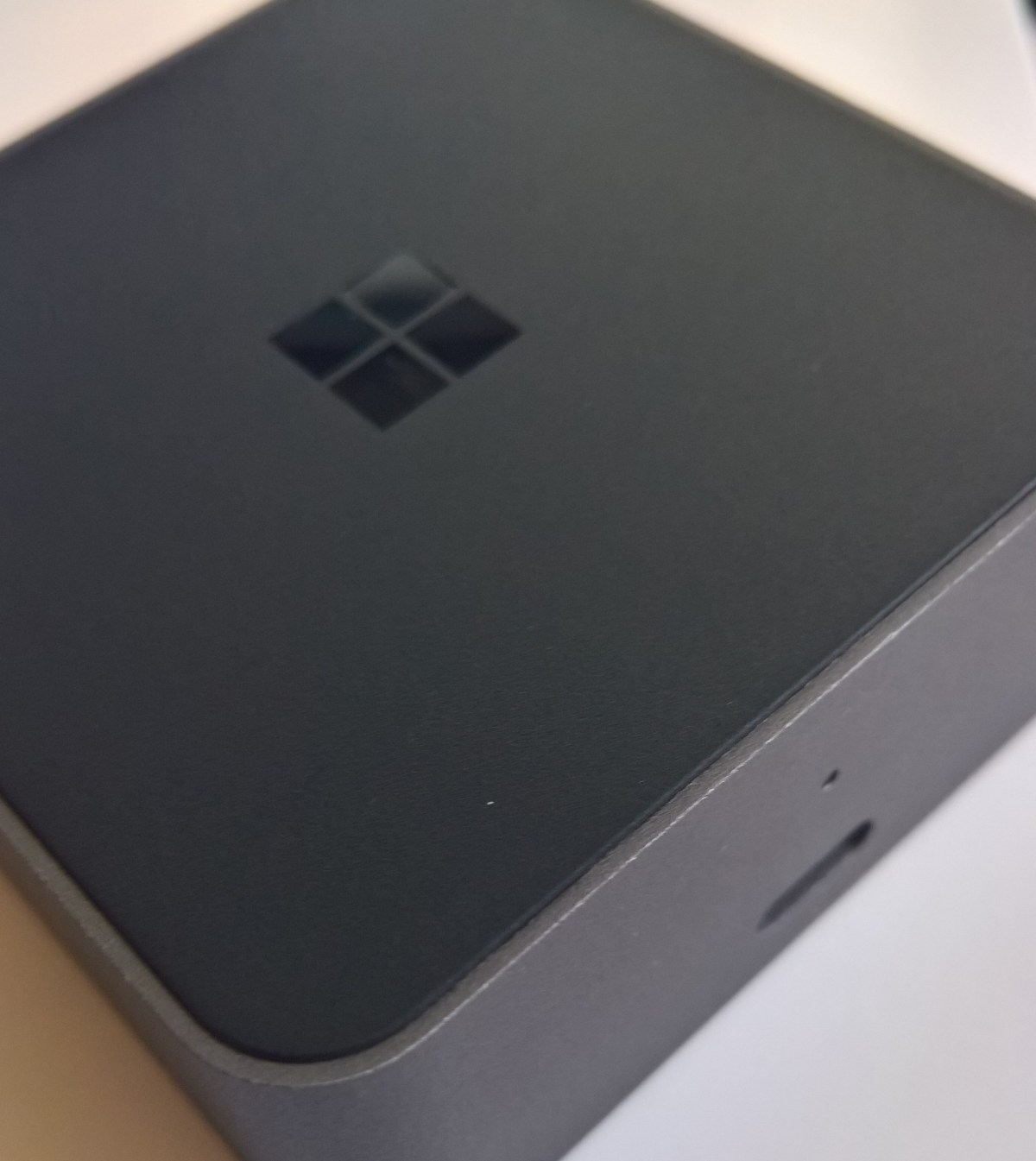
·        The dock itself (see pic) is nice and has a ‘paperweight’ kind of feeling – not too light to feel flimsy but light enough to carry easily.
·        Using the phone for control (mouse trackpad and typing) work nice enough.
·        The dock comes with two cables, one with wall connection for power and one for connecting to phone – this has become my home charger with the Microsoft original now at my work office desk.
·        Great at offering functions when my primary home device (iMac) isn’t available – for example going through emails, browsing, etc.
Cons
·        I didn’t manage to pick up a dock for free (as has occasionally been the offer) so had to spend a little extra for one on eBay.
·        You don’t get a HDMI cable with the dock, so it has added to the switching on my home TV (2 HDMI ports) between PlayStation, Apple TV and Sky Box. This is another thing you’d have to find and carry when traveling (I didn’t take one on holiday and the gite’s TV only had scart cables so I couldn’t use it).
·        The Store.  It’s perhaps the information manager in me, but the Store is awful. The lack of an easy filter (currently just a limited Microsoft controlled collection/listing for Continuum enabled apps) is a glaring gap. That so many sites and user forums have listings of games and other apps that work with Continuum shows people are having to work around Microsoft’s own approach.
·        Existing non-Continuum apps. It would be really nice if these just appeared in phone dimensions, rather than not being accessible at all.
·        If I was to carry a mouse and keyboard on the go, are you really saving much space from a laptop? Perhaps, but probably not from the netbook I would have used on the go c.10 years ago.
·        The dock to phone cable included is fine for desk usage but not so great (length wise) for working with my TV and wanting to be sat back on my sofa.

·        The sound comes through the phone speakers not my TV. Admittedly the speakers are better than in my last device but it seems, from searching help forums, that audio output is a little random in terms of which monitors/tvs/etc. respond to c’ connections.

Overall, still huge potential.  However the App issues, which normally don’t bother me as I’m happy with what my phone device can do (phone, podcasts, contacts, messaging, Facebook, browsing, maps), become acute when trying to take the phone device to the next level. With the larger screen you want more games and apps.

I would recommend it though for organisations where staff are on the move and could hot desk using Word and other core apps as they go. Perhaps best for those who work in environments such as journalism, consultants (although they may want their own dock for when at client sites) and where you don’t often need to be at a desk but do want to check emails, etc. when you do – perhaps in a retail or factory environment.

My vote for the Top Tools for Learning 2016

Here’s what I submitted to the annual poll (http://c4lpt.co.uk/top100tools/voting/).

  • Tool 1: Name and (optionally) reason for choice: Old Reader – personal RSS reader of choice for news, sharing and current awareness.
  • Tool 1: How do you use it?: Workplace Learning, Personal & Professional Learning

  • Tool 2: Name and (optionally) reason for choice: Xmarks – bookmarking for personal knowledge library and sharing of folders/topics with contacts and colleagues
  • Tool 2: How do you use it?: Workplace Learning , Personal & Professional Learning

  • Tool 3: Name and (optionally) reason for choice: YouTube – still most used video platform in terms of access to recorded webinars, tutorials, etc.
  • Tool 3: How do you use it?: Workplace Learning , Personal & Professional Learning

  • Tool 4: Name and (optionally) reason for choice: Articulate Storyline 2 – authoring tool of choice for content distribution and for developing support tools.
  • Tool 4: How do you use it?: Workplace Learning

  • Tool 5: Name and (optionally) reason for choice: Totara – simplifies our L&D management requirements for regulators, government, etc allowing more of our time on performance support and career development.
  • Tool 5: How do you use it?: Workplace Learning, Personal & Professional Learning

  • Tool 6: Name and (optionally) reason for choice: LinkedIn – learning via groups and 1-2-1 communication. A source for news and useful links (but less so than Old Reader or YouTube).
  • Tool 6: How do you use it?: Workplace Learning , Personal & Professional Learning

  • Tool 7: Name and (optionally) reason for choice: WordPress – for reflection and sharing my learning.
  • Tool 7: How do you use it?: Workplace Learning , Personal & Professional Learning

  • Tool 8: Name and (optionally) reason for choice: Prezi – started using it again this year to share messaging where the templates/zooming helps.
  • Tool 8: How do you use it?: Workplace Learning , Personal & Professional Learning

  • Tool 9: Name and (optionally) reason for choice: Firefox – as the entry point to other tools remains essential. Used over other tools for speed, plugins, etc.
  • Tool 9: How do you use it?: Workplace Learning, Personal & Professional Learning

  • Tool 10: Name and (optionally) reason for choice: Grover Pro – Podcast app of choice for learning on the go.
  • Tool 10: How do you use it?: Workplace Learning, Personal & Professional Learning

learndirect Policy Exchange Session – July 2016

Last week around 50 learning professionals braved the hotest day of the year and a room with no air con to listen to an update on apprenticeships, mostly from Sue Husband from the Department of Education (recently moved over from BIS).

The overwhelming message was really “we’re not quite there yet, there will be more soon” – the latest raft of levy information unsurprisingly being held up by the changes resulting from the referendum result.  Therefore, I wont include everything from the day here as a lot was what we already knew.

There were positives though – rough notes below [with some of my comments included]:

  • There is clearly a belief that it will work (although the CBI is still pushing for a delay/rethink).  [Hence the apparent lack of contingency planning.]
  • Focus is on apprenticeship quality [although you suspect that will be under challenge from the ‘claim back’ employers – no doubt a test for the new Institute for Apprenticeships].
  • NI contributions abolished for under 25 apprentices.
  • 2.3% of workforce target now in place for government to encourage them to support the policy.  Recommended that people look up the 5% Club.
  • Post code of person will be determining factor on which pot money goes to – so good for English people working in Scotland/Wales, not so much the other way around [so employers may be forced into decisions that go against equal opportunities].
  • Funds will expire after 18 months – system is clever enough to know how ‘old’ a pound is and move into general pot at correct time.
  • Levy online tool is available for people to pilot [still awaiting my access after requesting last week following the event].  April 2017 will only be available to levy payers – smaller orgs later [makes sense and should help with stability].
  • Pooling funds and granting to supply chain are on road-map [potentially] but issues with potential for misuse of funds [payments for favours, etc].
  • They expect employers running own apprenticeships to grow [good that not just about supporting a market for the FE and skills sector].
  • The current advertising [which is all over my train route in South London at least] is young person orientated – the next raft will highlight that it is about all ages and current employees too.
  • Graduations now underway for people coming through apprenticeships designed to new standards [presumably a good thing but no doubt some questions over quality versus the old frameworks in some areas].
  • Acknowledged higher qualification [degree] cap does not make sense, as funding going from government to employers now looking at it from different perspective. More in next publications. [Might be a real game changer if this removes the blocker on graduates training into a career via an apprenticeship].
  • About half of all standards in development are at degree level [watch out HE!].
  • ‘Use levy wisely’ was the response to the question from the room about why the levy is being forced on those who already do good people development.  [Guess the challenge might be that the room was clearly people engaged with the agenda – no doubt the % of employers who currently under invest in L&D will be the more vocal in complaining about the levy].  20,ooo firms will be paying in; 5,000 of those will be new to apprenticeships.
  • Definitely don’t have to have ‘apprentice’ or similar in your job title [but good for your apprenticeship brand if people realise that is what they are doing – plus they do have to know they are an apprentice as part of the rules].
  • 20% off work can be blended, do not think about as 20% in classroom.  They recognise that continuous learning makes the best programmes [yay!].
  • Will be information coming for employers looking to do some of the training and back charging to provider.
  • Brexit may be good for apprenticeships [if cuts on immigration].
  • May encourage permanent employment [this is me extrapolating from the amount of people in the room unhappy that their temporary staff will be included in the levy tax but not in those who can be apprentices – presumably also the likes of SportDirect wont be happy with that one].
  • Digital Apprenticeship Service screenshots [It’s Alive!!  Will comment more on this when I get access].

Game elements often ignored by learning pros

Gamification has been a buzzword for a few years now but the success of Pokemon Go has, inevitably, led to a raft of ‘what can L&D learn from Pokemon’ articles whilst the even more inevitable backlash has already begun (Should employers clamp down on Pokemon Go?).

1 – Reflections on elements ignored

Electronic gaming has been a huge part of my life (at least if we use ‘time spent’ as a measure) since my brother got his C64 many years ago.  Having, therefore, played games for 30 or so years it is with interest to see a few points missed by many:

  1. Gamers are not one-size-fits all.  Like with other media, gamers are not a universal group.  There have been long running cultural differences between, for example, some Japanese-focused releases versus the American/Europe market based on real (and presumed) preference.  Opera and pop fans are not normally lumped together as ‘music fans’ but even though there are differences, for example those who primarily aim for quick fixes versus being happy to play the long game, gamers often are.  Where there is a more widespread group, such as mobile phone playing commuters they’ve been seen as the exception “casual gamers” rather than what they actually are, the majority (in terms of everyday use as Pokemon has highlighted).  What this means for learning is what we already know – we need to personalise and tailor to the audience.
  2. Games are not one-size-fits all.  Yes, there are some standard elements of games (see “What is a Game”) and there is a science behind gamification (check out Yu-Kai Chou) based on a number of neurological and psychological elements.  However, sports games versus grand-strategy games, for example, represents a decision between, say, a 10 minute commitment versus 100s of hours.  What this means for learning is again what we already know but often fail to implement – activities need to be correct for the desired outcomes, not just fitting into a set time limit based on what regulators, room booking systems, technology or other limiter puts upon us.
  3. Ultimately it is an industry, not just a game.  Games even have a CrashCourse series on the evolution of the market and related topics.  Too often learning is a breed apart from the business and ‘gamifying’ to make things more interactive/addictive is likely to just make this even more obvious.  ‘Serious games’ should be able to avoid this, others need to be used appropriately for your culture.
  4. Effectively game entertainment relies on neurology/psychology.  Gaming can become a very real addiction.  It is not some kind of magic Greek fire that the learning department needs to discover the recipe for for our own means, instead it is about making things compelling which learning pros have traditionally had mixed success with.
  5. Gaming is often to ‘zone out’.  Yes there are engagement design decisions but often a game is taking the place of a book, TV, exercise, etc. as a way to unwind and relax.  The game playing becomes almost subconscious.  The challenge here is to take a new decision when thinking about learning – when is non-engagement okay?  This shouldn’t be a lack of engagement in the way that, say, repeated ‘next’ clicking in an e-learning module creates but instead something where people are able to learn even if they are not necessarily making notes, discussing with peers, etc.  Podcasts are an obvious route to support this, for example by allowing people to pick up key corporate messages whilst on their commute.

2 – Key things to take from gaming

So what else would I say learning can learn from games?  Well there are obviously plenty of people who have written and researched on this topic.  I would particularly highlight:

  1. Be entertaining.  Tackle Netflix, Pokemon and the rest via edutainment.  Podcasts and some other educational media have achieved relative success in this.  In comparison workplace learning remains, too often, a chore.  Narrative, where appropriate, can be key in tackling boredom…remember even a mega budget Hollywood blockbuster can flop if people do not engage with the characters, story and/or special effects.
  2. Be non-linear.  Allow the learner choices, for example, I can lead my medieval kingdom in Crusader Kings down unlimited paths whilst my eLearning is too often a locked down exercise.
  3. Design for “one more go”.  We want deep learning experiences to be addictive or raise a challenge that people want to tackle.  Here we need to balance carrot and stick and this aligns with the Stella Collins’ presentation at the CIPD exhibition last year.
  4. Support around the experience.  Many games do not expect you to become a pro via game-time alone; magazines, user guides and websites have been used to provide tips, cheats and walkthroughs.  Use all the communication and information management tools at your disposal, think beyond ‘learning’ solutions for your blend.
  5. Don’t be cheesy.  Fixing learning into a model such as a car racing visualisation isn’t engaging – you are almost certainly using animation without emotion, chance, risk, etc.  You can of course be ironic in this but it would depend on your culture if people would would like that, for example, I’m trialling putting funny Easter eggs into my e-Learning and seeing what the reaction is – inevitably some people like them whilst others think I’ve lost the plot, ultimately we’re all different…see point 1.1!